 (Image via
Remote work is a fact of life now. There's no commute, more freedom, and access to everything you need right there in your home. To make this way of working as effective as possible, companies need to equip workers with technology that shrinks the gap between locations. Weak communication and scattered workflows often lead to costly delays. Modern digital tools tackle these obstacles by acting as a virtual office. These systems combine messaging, project tracking, and document handling into one space, making sure everyone stays focused on shared priorities. Picking the right solution can make a big difference. We will review leading platforms that help distributed teams run efficiently. You’ll see how specific functions enable flexible scheduling and instant cooperation. Discover how these products help any organization create a cohesive and productive remote workspace.
Bringing Communication Together
Teams separated by distance can run into problems when details get buried in email chains. Poorly organized messaging slows decisions and causes confusion. Purpose-built apps clear out these bottlenecks. They offer a neutral location for all discussions.
Flexible Messaging Platforms
Slack has become widely adopted for its approachable interface. It creates themed conversation spaces for quick reference and better focus. With messages sorted by topic, the flow is easy to follow and distractions are reduced. Research has shown that teams using such chat solutions can reduce their internal email usage significantly. Inside these channels, people can exchange attachments, launch spontaneous calls, and bring in extra functionality through app connections.
Microsoft Teams is another trusted option, especially for organizations using Microsoft’s other services. It includes everything from group chats and video calls to shared file libraries. Team members can edit Office documents live, right inside the conversation. This close integration means less switching between programs, so everything moves faster. Its conferencing tools are designed to support large groups, and extras like digital whiteboards add flexibility.
Making Progress Visible With Project Tools
It’s tough to track ongoing projects without regular face-to-face check-ins. Supervisors want a transparent system to stay updated at a glance. Online project organizers fill this role, converting big plans into clear, actionable frameworks.
Simple Task Boards
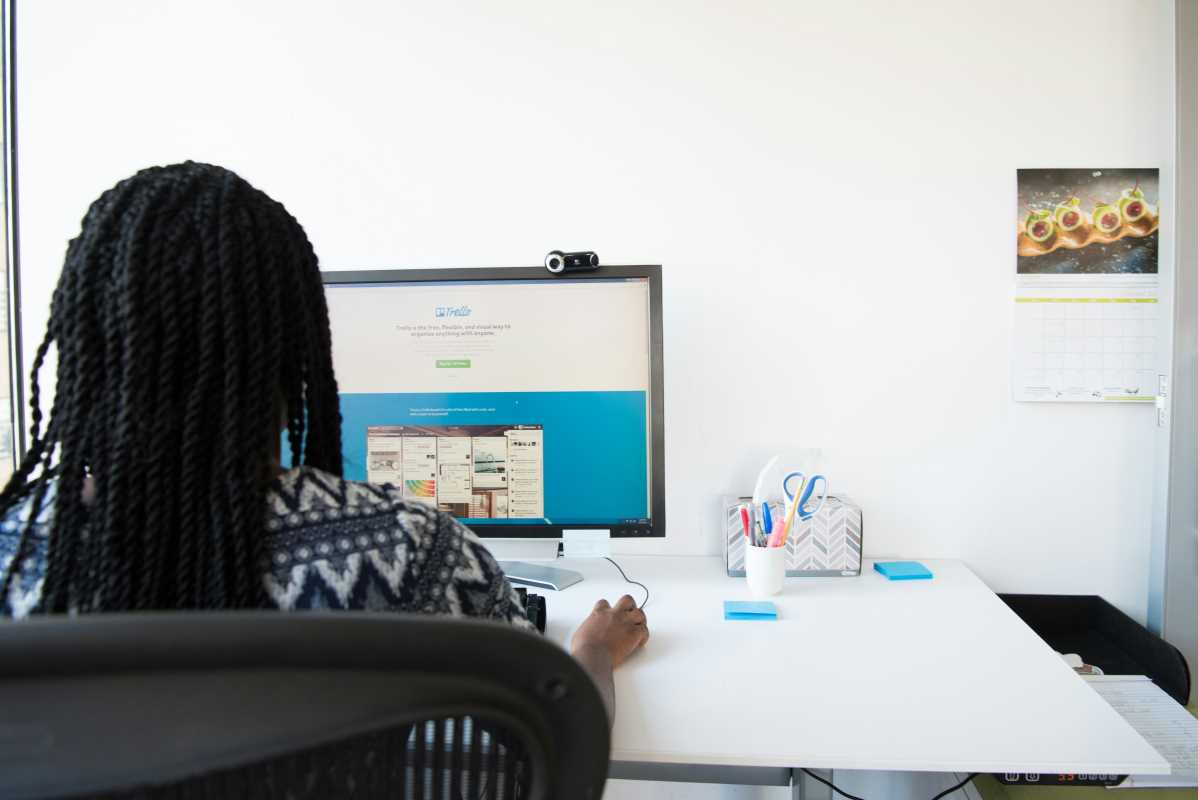
Trello is popular for its straightforward, card-based approach. Users build visual boards for each objective and track work as tasks progress. Cards can easily be shifted from “Not Started” through to “Completed.” The benefit of seeing where things might pile up can’t be overstated. A visual status check pinpoints issues so teams act faster.
Structured Work Environments
Asana steps up for groups handling complicated plans. Managers can map timelines, link dependent actions, and assign priorities. One notable feature is the team workload view. It’s easy to see who’s likely to be overwhelmed and make adjustments. Industry findings show that transparent project tracking boosts on-time delivery by over a quarter. Rich dashboards display consistent updates, aiding informed leadership decisions.
Monday.com is known for its broad adaptability. Groups configure it for everything from campaign planning to code development. Automations, like task status alerts or approvals, cut out repetitive chores and reduce mistakes. Interactive graphs and data widgets keep goals back in the spotlight for remote workers.
Supporting Both Live and Delayed Collaboration
Distributed employees split their time between collaborative meetings and solo deep work. Ideal technologies serve both real-time exchanges and independent productivity. This creates harmony among global teams with differing schedules or preferences.
Online Whiteboards
Miro and Mural turn the web into an endless canvas for team creativity. Users can stick virtual notes, sketch flowcharts, or map out plans together. These features are available during big brainstorming sessions or for solo ideation over several days. A recent report highlighted that visual tools are especially effective for creative challenges in remote settings. Automatically saved boards hold onto every idea, ensuring nothing is lost.
Collaborative Document Editing
Google Workspace has transformed group editing. Multiple contributors can work inside files together, providing immediate feedback and suggestions. Each change is tracked for full version history, reducing confusion from managing dozens of file copies.
Notion blends documentation, tracking, and data management into a single platform. Teams create living knowledge bases, editorial calendars, or meeting notes. Its drag-and-drop builder makes it simple to arrange any type of detail. A well-managed workspace becomes a digital reference, helping everyone stay informed and connected.
Connecting Apps for Smoother Operations
Digital solutions are most impactful when they fit naturally into established routines. By linking different programs, organizations foster a stronger and more connected ecosystem.
Easy Automation Pathways
Zapier bridges thousands of web tools. Custom workflows, called “Zaps,” are created with simple steps. There's no coding required. For instance, form responses might instantly kick off new assignments and alert team members. This approach gets rid of manual work and speeds up delivery. Studies show that even basic automation can recover multiple hours each week per employee.
Unified Access Control
Juggling logins across many programs is stressful and risky. Okta and other access management tools let users unlock all platforms with a single set of credentials. For staff, this means smoother onboarding and less friction switching apps. For IT, centralized controls allow for quick permission changes, making transitions safer and easier.
Finding Your Team’s Best Fit
Making the right selection demands an honest look at your group’s obstacles and ambitions.
Pinpoint where breakdowns often happen. Is it unclear messaging, slow project movement, or lost knowledge? Start with tools that target these priorities. Taking advantage of complimentary trials is wise. Pilot them with a subset of the team to gather real feedback about usability.
Take future growth into account. Solutions that are perfect for a small crew might not scale up for a large organization. Some products, like Teams or Asana, have tiered plans that add new powers. Successful adoption requires both training and executive support so everyone is on board from day one.
All articles published on ToolGauge are created for informational and editorial purposes only. Readers are encouraged to verify details directly with manufacturers, service providers, or official industry sources before making business or technology-related decisions. ToolGauge is not affiliated with, endorsed by, or officially connected to any specific company, brand, or technology provider unless explicitly stated.