 (Image via
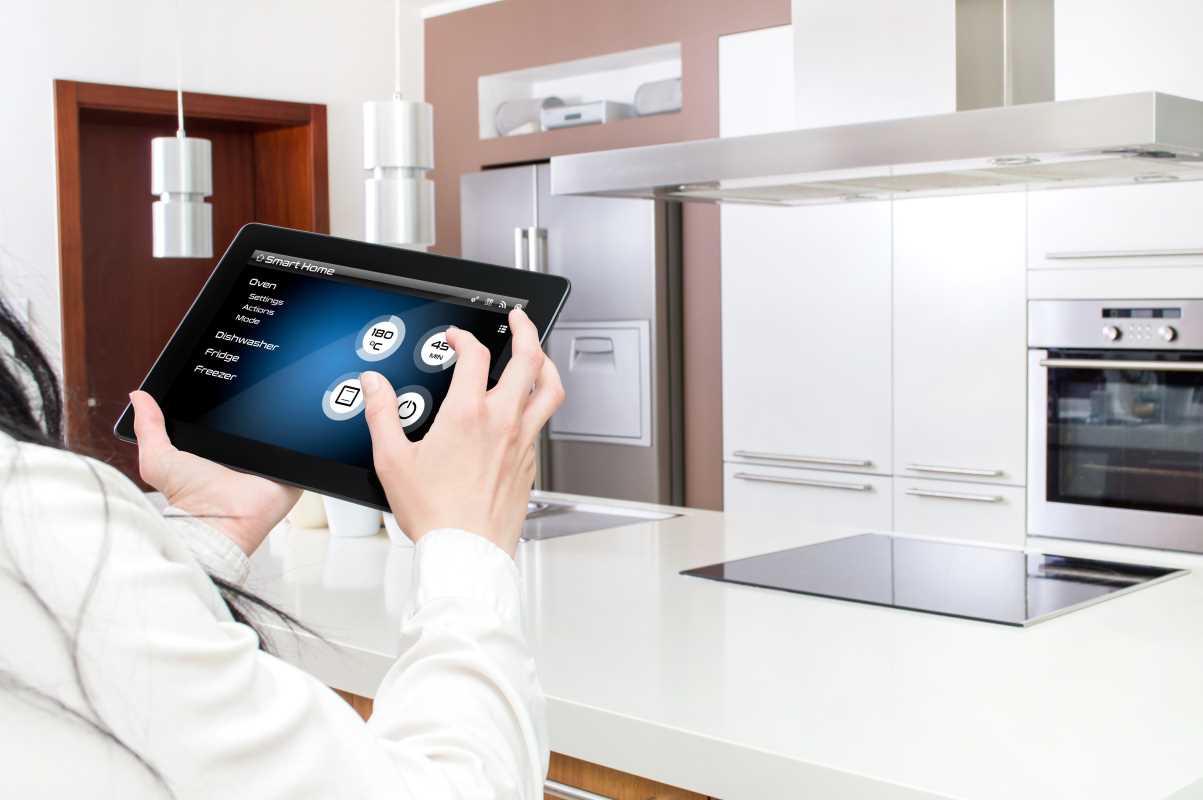
Dragging extension cords through a window or stomping through snow to unplug decorations is a chore nobody enjoys. Many of us have realized the patio lights stayed on all night, wasting power and attracting bugs. Outdoor electricity needs now stretch far beyond holiday setups, covering pond equipment, large heaters, and intricate landscape lighting. Managing all this shouldn’t mean another trip outside every night. That’s where weather-ready plug-in controllers come in, bringing remote automation to the outlets outside your home. Durable, compact, and smart, they put control of outdoor power in your hand. Schedule devices, track consumption, and even use your voice to run the fountain. Here’s a look at some of the most reliable ways to upgrade your outdoor routine.
Why Use Devices Designed for the Outdoors?
Plugs meant for indoor use can’t survive exposure to the elements. Standard units break down quickly in wet, cold, or dusty environments. Exterior-specific plugs have protective housings, typically with IP64 (or better) resistance to weather.
Understanding How Protection Works
Nearly all weatherproof gadgets list an “IP” code. The first digit (0-6) shows how well it keeps out solid debris. A 6 is fully sealed against dust. The second (0-9) indicates moisture protection; a 4 or 5 rating ensures operation in most rainfall.
Outdoor models regularly manage heavier draw, too. Many outdoor devices, like pool pumps, pull much more current than an indoor lamp. Using a device without a suitable load rating can be risky and cause electrical problems.
Reliable Choices for All Kinds of Needs
Choosing the right outdoor plug depends on what you need to control. Here are some stand-out options, each suited for particular requirements.
TP-Link Kasa EP40
TP-Link’s Kasa series is highly trusted in the world of smart home gadgets. The EP40 stands out for outdoor use thanks to its strong Wi-Fi reception, essential for reaching outlets on patios or in gardens. The radio signal has to pass through exterior walls and still provide a stable connection.
It features two sockets that you can control separately. For example, turn on decorative lights but leave another device off. It offers an IP64 rating to withstand rain and dust, and lets you set schedules guided by sunrise and sunset. The app’s interface adjusts for daylight changes, so you won’t have to update timers throughout the year.
Meross MSS620
If you use Apple HomeKit, outdoor compatibility can be hard to find. The Meross MSS620 works with Apple’s platform as well as Alexa and Google systems. Its dual socket design allows controlling two items at once, just like the Kasa.
The smart design angles downward to keep water away from the sockets. It’s easy to connect your outdoor lights into Apple “Scenes,” for example so you can say, “Hey Siri, let’s celebrate,” and have a festive setup indoors and out.
Wyze Outdoor Plug
Wyze is celebrated for affordable, well-built tech. Their exterior plug stands out by tracking how much energy your outdoor devices use, giving insight that may help reduce your utility bill. It’s handy for keeping tabs on pond pumps or ambitious lighting displays.
A unique feature is its light sensor mode, which starts or stops operation based on ambient outdoor brightness, not just a timer. The two sockets are spaced apart, making it easier to fit larger power adapters.
Ring Plug for Outdoor Setups
Those with Ring home security can expand easily. This plug requires a Ring Bridge, an advantage because it uses a radio signal that’s better at moving through obstacles and over long distances than regular Wi-Fi.
Perfect for outbuildings or gates a long way from your house, this model ties in with Ring cameras and sensors. It’s easy to automate a floodlight that comes on whenever movement is detected in your driveway.
What Features Really Matter?
Lots of specs can make buying complicated, but keep these essentials in mind:
Power Handling
Standard exterior plugs are usually rated for 15 amps, fine for lights and fans. But for more intense uses, check that the rating matches your device to avoid tripping circuits.
Network Compatibility
Most models use 2.4GHz Wi-Fi, which has better range through walls than 5GHz. Make sure your home setup supports this band. If your home Wi-Fi uses a mesh network, it normally connects seamlessly, but make sure your mobile device is also on the right frequency for setup.
Integration With Digital Assistants
Most exterior plugs work with Alexa and Google. HomeKit support is less common; verify before buying if you use Apple’s system. With the growing adoption of a new open standard called Matter, look for compatible products if you want maximum flexibility in the future.
Creative and Everyday Ways to Put Them to Use
These plugs unlock lots of hands-off solutions for your property.
- Seasonal Lighting: Set festive lights to follow a custom schedule so you don’t have to go outside in bad weather. You may even group several plugs together for a synchronized display.
- Garden and Security Illumination: Set up timers or create random lighting patterns to make your home look occupied, or pair a plug with a motion sensor light for added security.
- Water Features: Fountains don’t always need to run all day and night. Timed control protects your equipment and saves money.
- Car Heaters: For cold climates, automate when your engine heater comes on to minimize energy use and still have a warm car for your morning drive.
- Heaters and Fans: Start warming your patio or cooling the porch before you head outside, or make sure appliances are off after a gathering, without going back out.
Safety Tips for Setting Up
Mixing outdoor electricity and moisture is always risky. Here’s how to protect your setup:
- Keep the Connections Dry: Install the plug so any open outlets point towards the ground. That orientation helps prevent water from running into them.
- Drip Loops Matter: Feed wires so they hang down below the outlet before connecting, making sure water runs off the cable instead of toward the socket.
- Check Your Signal: Before mounting anything permanently, test Wi-Fi strength using your phone at the installation point to be sure your device will stay connected.
- Seal Off Unused Sockets: Leave protective covers in place on any socket you’re not using to keep debris and moisture out.
Fixing Typical Problems
Even the best setups might hit snags; here’s how to troubleshoot:
- Loss of Connection: A poor signal can knock your device offline. Try moving it nearer the house or adding a range extender outdoors.
- Voice Controls Not Working: If commands aren’t going through, check the assistant’s linked “skill” or app. Re-linking usually restores control.
- Schedules Acting Oddly: Check the app’s time zone settings, and make sure location permissions are enabled for sunset-based routines.
All articles published on ToolGauge are created for informational and editorial purposes only. Readers are encouraged to verify details directly with manufacturers, retailers, or official sources before making home improvement, design, or purchasing decisions. ToolGauge is not affiliated with, endorsed by, or officially connected to any specific company, brand, or product unless explicitly stated.